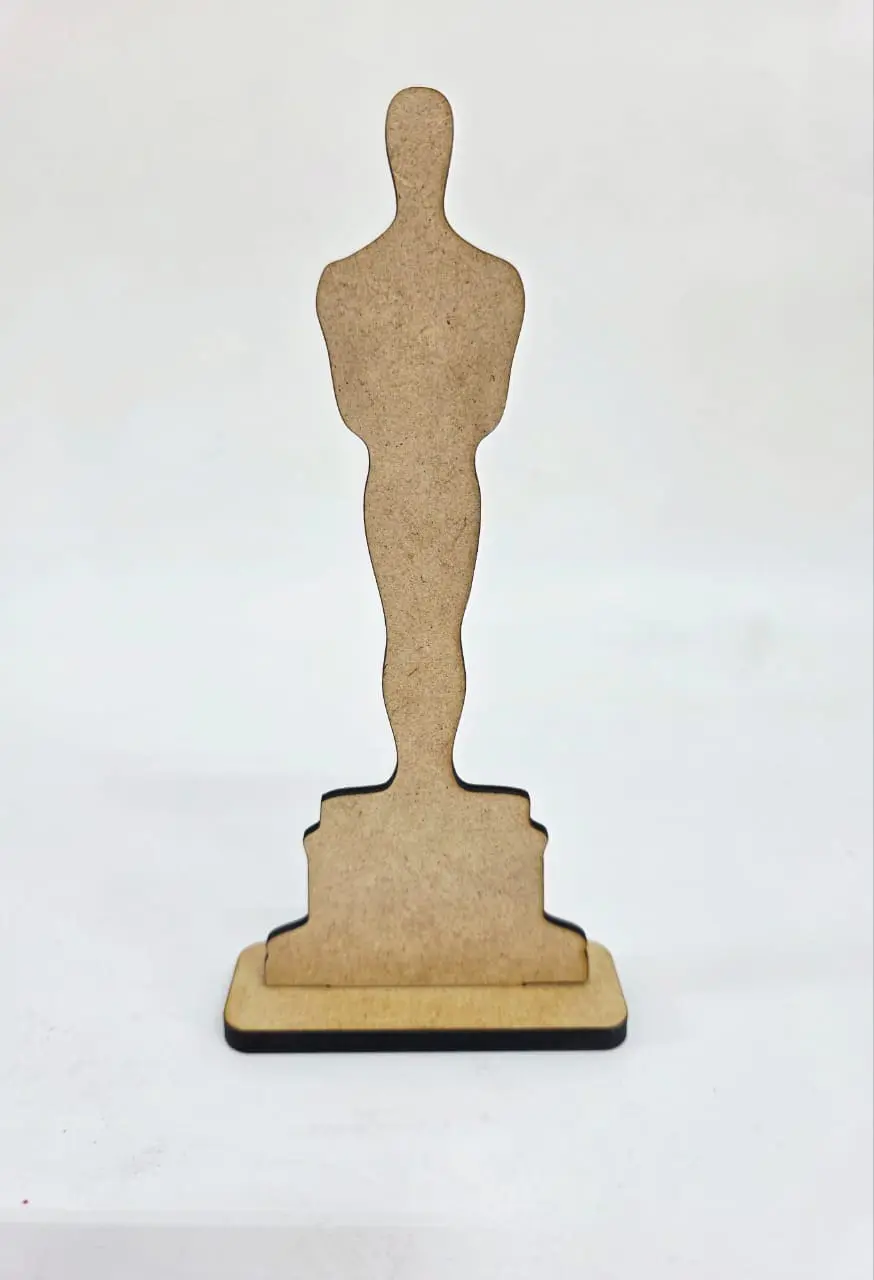
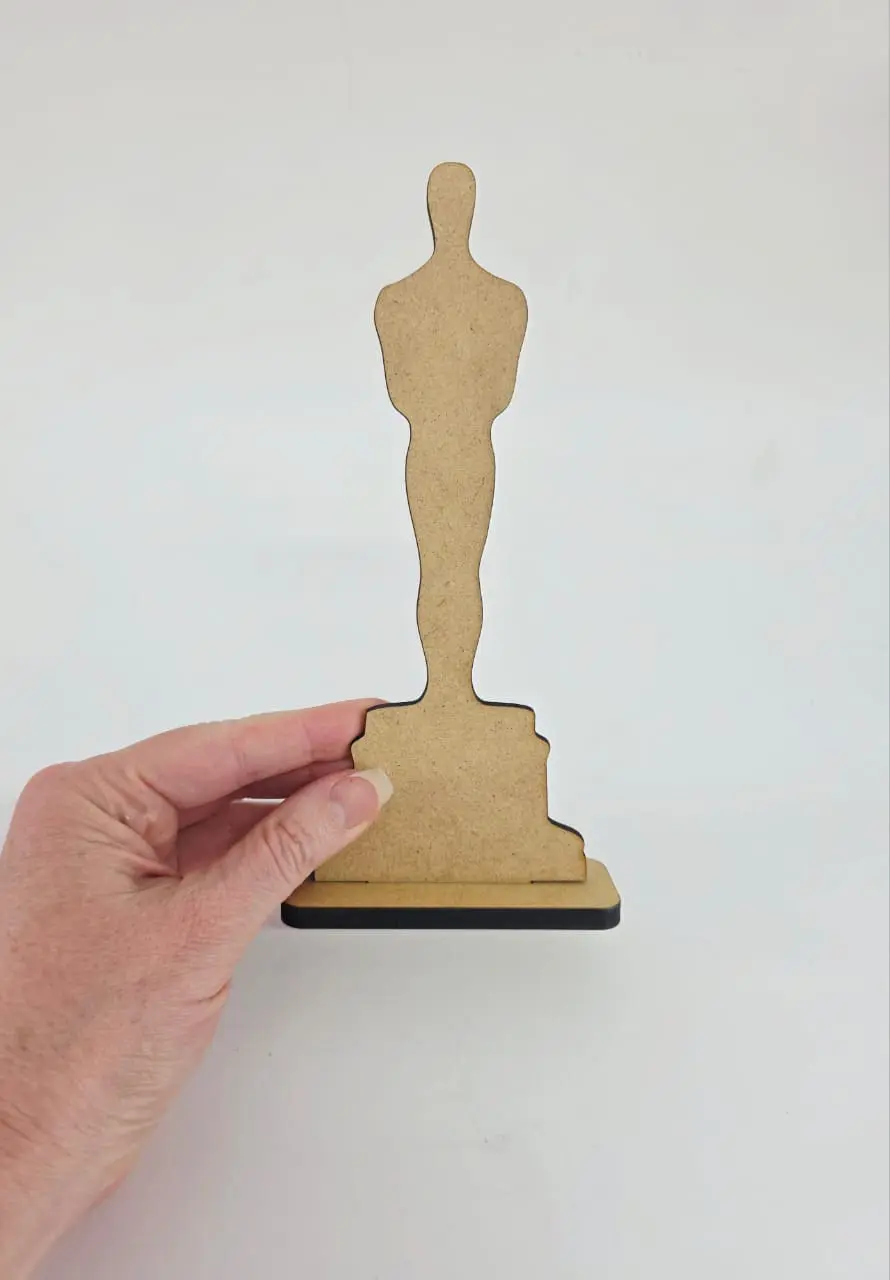



SUBLIMATION MDF
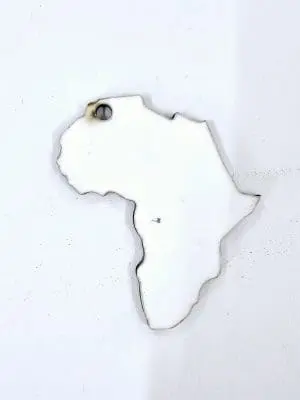
SINGLE SIDED
190 deg for 90secs, light to medium pressure
Remove protective film before pressing, be careful not to damage the coating while doing so.
Cover with silicone paper to protect you substrate from heat or getting dirty when pressing.
Avoid the heat tape from touching the MDF & print directly as it can cause tape marks. To prevent tape marks on MDF use a protective barrier such as silicone paper (over the design and MDF) to prevent any unnecessary marks.
NOTES:-
- If the MDF coating does bubble immediately place under 2 reams of photo paper or something smooth and heavy that has no texture
- As the mdf is a daily use, is can be expected with any type of material that is constantly being used and subjected to daily wear and tear. MDF is prone to chipping and cracking due to its composition of compressed wood fibers and resin. To prevent further damage to your MDF keychain, consider using a protective coating or sealant to add an extra layer of durability. You can also be mindful of how you handle and store your keychain to minimize any potential damage.
SUBLIMATION ACYRLIC
How to Use Subli-Acrylic for Stunning 3D Effects
Subli-Acrylic is a fantastic medium for creating vibrant, full-color images with a stunning effect that can enhance any design project. Whether you’re a hobbyist or a professional, mastering the Subli-Acrylic technique can add a unique touch to your creations. Here’s a detailed guide on how to use Subli-Acrylic to achieve the best results in a light hearted or the no-nonsense approach, pick your mood!
How to Use the Subli-Acrylic (no nonsense approach)
- Preparation – Begin by removing the protective film from both sides of the Subli-Acrylic sheet. This film is there to prevent scratches and damage before use.
- Testing Pressure – Before applying heat, test the pressure of your heat press. It should be light to medium—nothing too firm—to avoid damaging the Subli-Acrylic.
- Heat Press Setup – Preheat your heat press to 180 degrees Celsius. To protect your press and mat from unwanted image transfers, cover the bottom part of the heat press with silicone paper.
- Design Alignment – Place your design onto the matte white side of the Subli-Acrylic, face up. Remember not to mirror your image as you would with traditional sublimation processes. Secure the design in place, ensuring that no heat tape comes into contact with the Subli-Acrylic, as this can leave marks.
- Heat Application – Press the design onto the Subli-Acrylic for 180 seconds. The precise timing is crucial for achieving the desired effect.
- Post-Press Handling – Exercise caution when handling the Subli-Acrylic after pressing, as it will be hot. Use the silicone paper to transfer it to a smooth, non-textured surface for cooling.
- Cooling and Finishing – Once you’ve removed the top silicone paper and the design, replace the silicone paper and if 3mm add two reams of office paper and if 4mm you will need some more weight, on top to flatten it like a pancake. This helps the Subli-Acrylic to cool down and straighten back into shape.
- Revealing Your Design – After the Subli-Acrylic has cooled, you can admire your work. The non-mirrored image creates a 3D effect, with the image appearing to shine through to the top surface.
Tips for Perfect Subli-Acrylic Creations
- Always use high-quality images to ensure the clarity and vibrancy of your design
- Be mindful of the temperature and pressure settings; deviations can affect the quality of the transfer
- Allow the Subli-Acrylic to cool completely before handling to prevent any warping or smudging
- Experiment with different designs and colors to fully explore the potential of Subli-Acrylic
- By following these steps and tips, you can create beautiful, professional-looking pieces with Subli-Acrylic. Whether you’re making personalized gifts, signage, or decorative items, Subli-Acrylic offers a unique and eye-catching option. Enjoy the process and the impressive results!