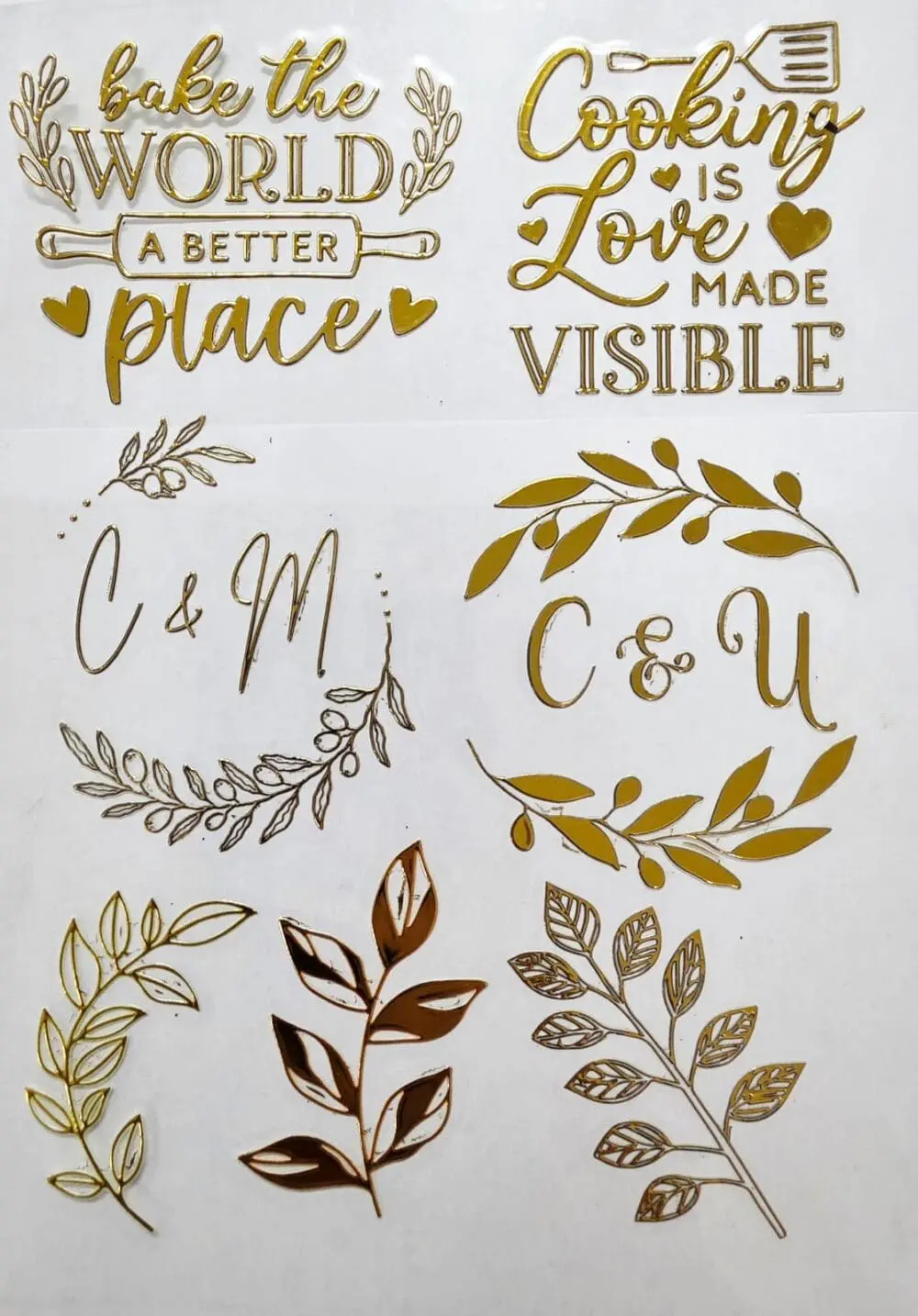
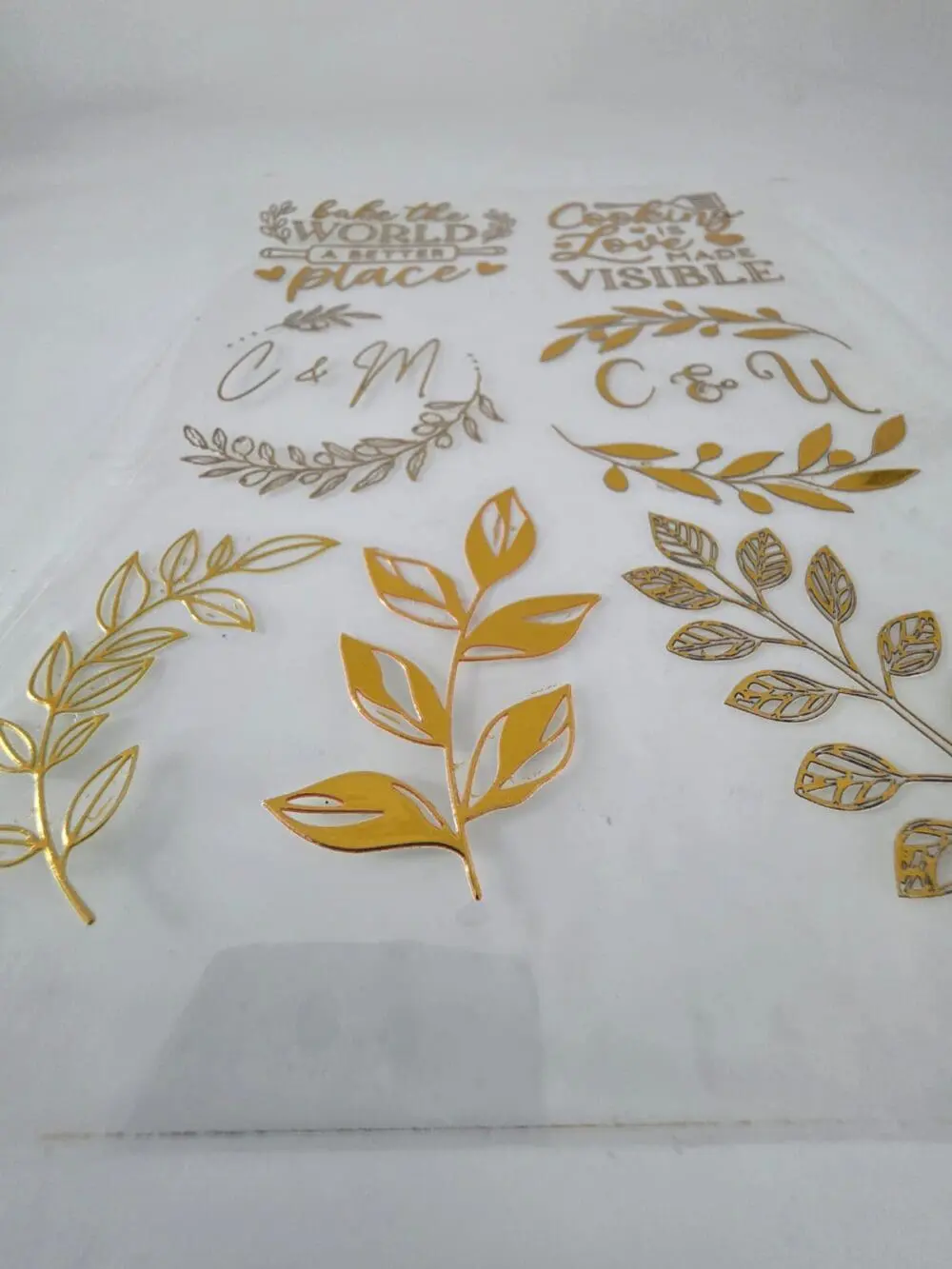
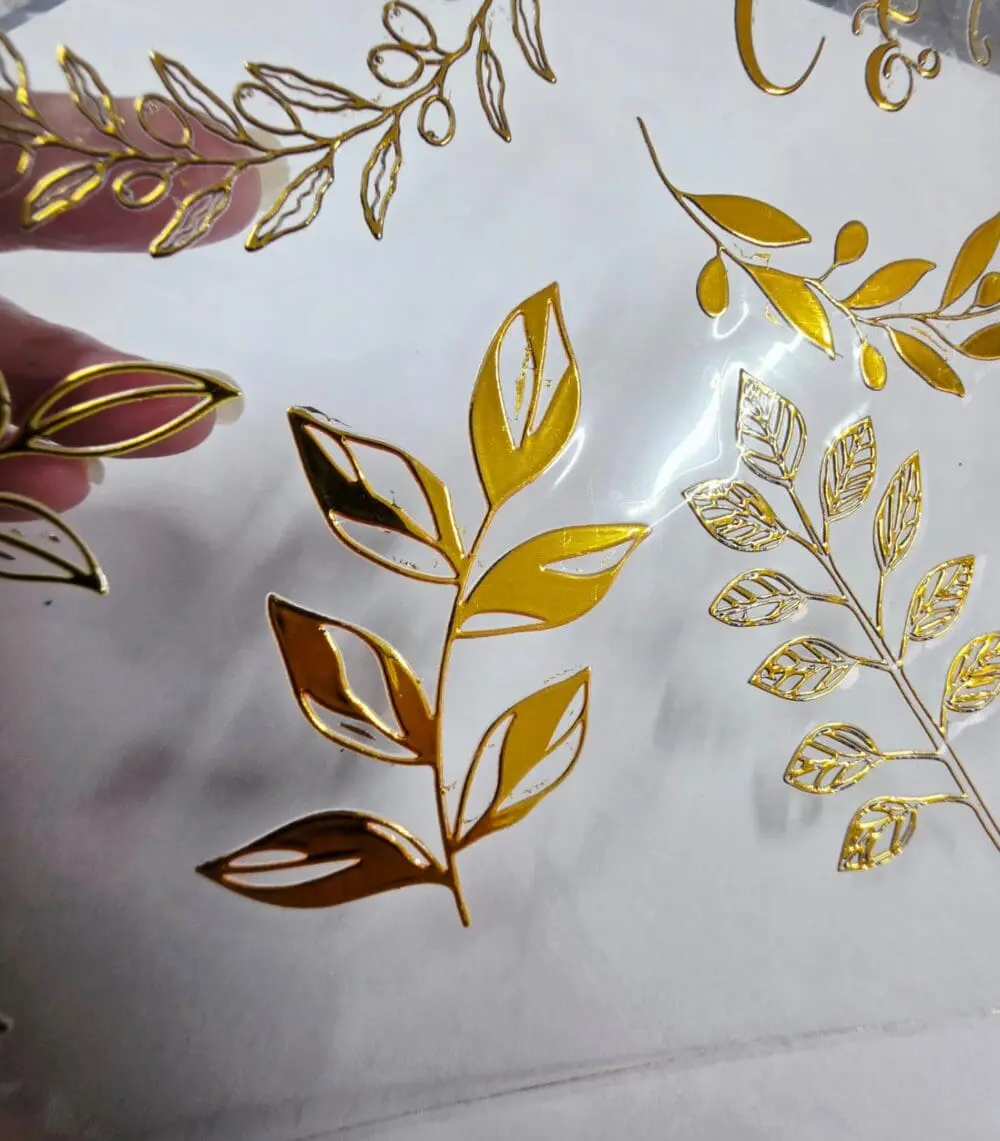
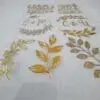

A gang sheet is a design method that allows you to combine multiple designs onto a single transparent canvas for printing. Here’s how it works:
A gang sheet is a design method that allows you to combine multiple designs onto a single transparent canvas for printing. Here’s how it works:
- Choose Your Sheet Size: Select the size of the sheet you want to use (A5, A4 or A3).
- Upload Your Designs: Import your high-resolution images or text elements into the design builder tool.
- Arrange Your Designs: Drag and drop your designs onto the sheet. You can resize, move, and adjust them as needed.
- Optimize Layout: Ensure your designs fit within the sheet’s dimensions and do not overlap. Leave sufficient space between each design for easy cutting and application.
- Check Resolution: The tool will warn you if any designs have low DPI, indicating that the output quality may be poor.
- Submit for Printing: Once you’re satisfied with the layout, confirm your design and submit it for printing. The designs will be printed as a single sheet, which you can then cut and apply as needed.
- Remove Background: You can remove the background using the “removing all white” option. However, please note that this method may deteriorate the image quality. It’s recommended to use designs that are already transparent.
- Explore Our Image Library: If you’re stuck on finding good quality images, why not check out our image library for some inspiration?
- Transparent Canvas: The gang sheet provides a transparent canvas, which is essential for DTF printing that requires transparency.
- Insert Text: You can even insert text using the fonts that have been uploaded.
- Repeat Feature: The system also has a repeat feature if you want to repeat the same text or image.
Note: You can save your design to return later by copying the link from the browser (it has the order ID in it) or clicking ‘Save’ next to the ‘Confirm’ button. Creating an account is best if you want to come back and view past designs.
Please allow for a 2 to 7 day turnaround time for stickers, as they are printed per order. This timeframe accommodates queued orders and potential printer issues. If your order is urgent, let us know in the order notes, and we will do our best to prioritise it.
Notes:-
- We do not change sizing of file received, we import on the size your submitted
- We are not responsible for any incorrect sizing sent or images with poor dpi.
- We will no longer accept designs via email, this is your go to tool
- UV DTF decals may not adhere well to rough surfaces. For the best results, apply them to smooth and flat surfaces such as glass, plastic, metal, books, and smooth wood. Ensure the surface is clean and free from dust or oils before applying the decals.
- NB! Please do not start you design with full on white images as the printer starts printing a bit of black with it, always start with mixed colour not just plain white. If you have just white in your design please put it after the first row of images to avoid a hint of black in the white design