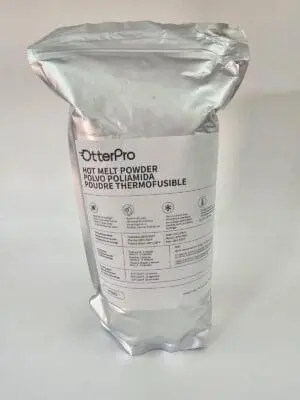
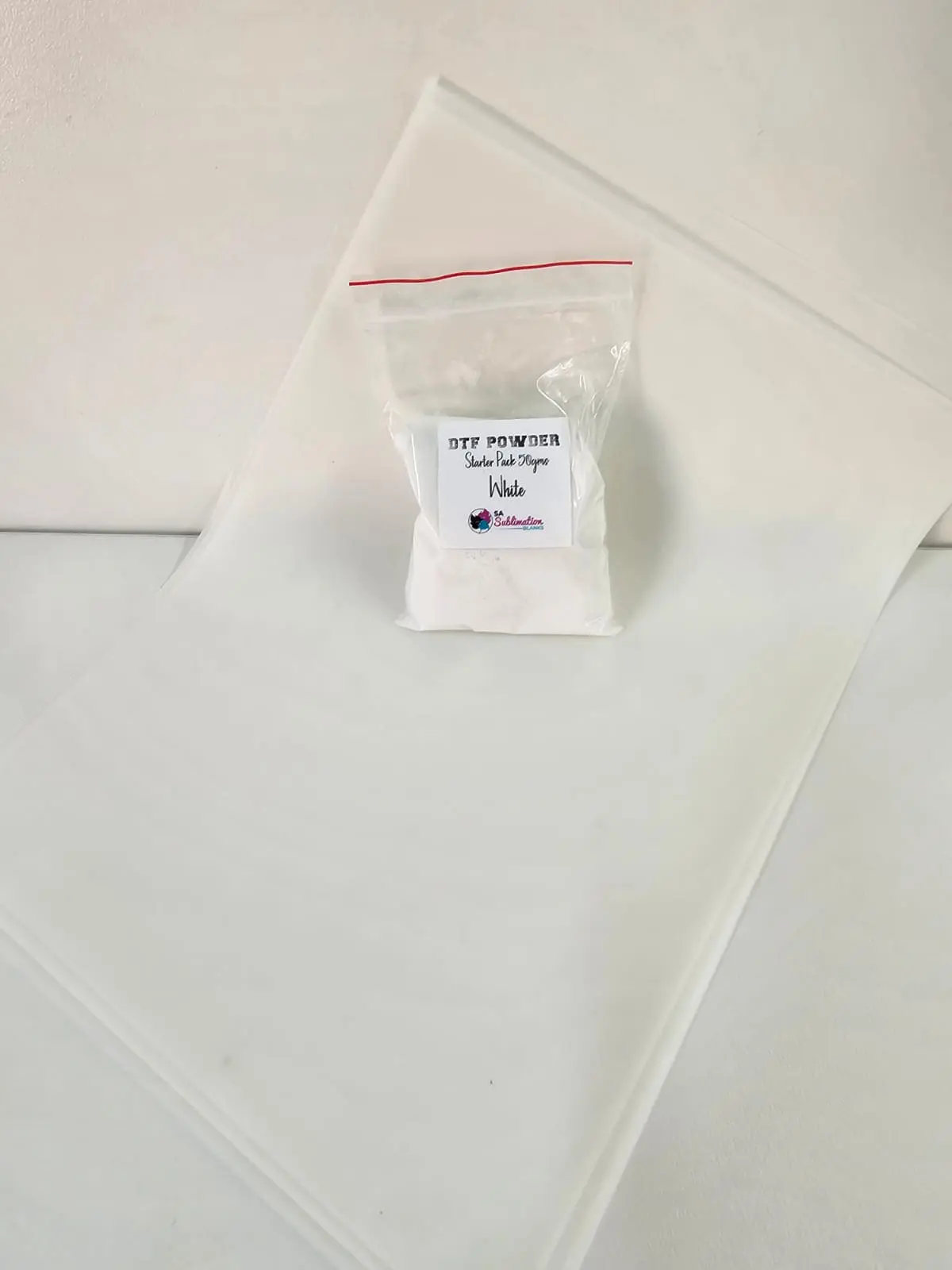
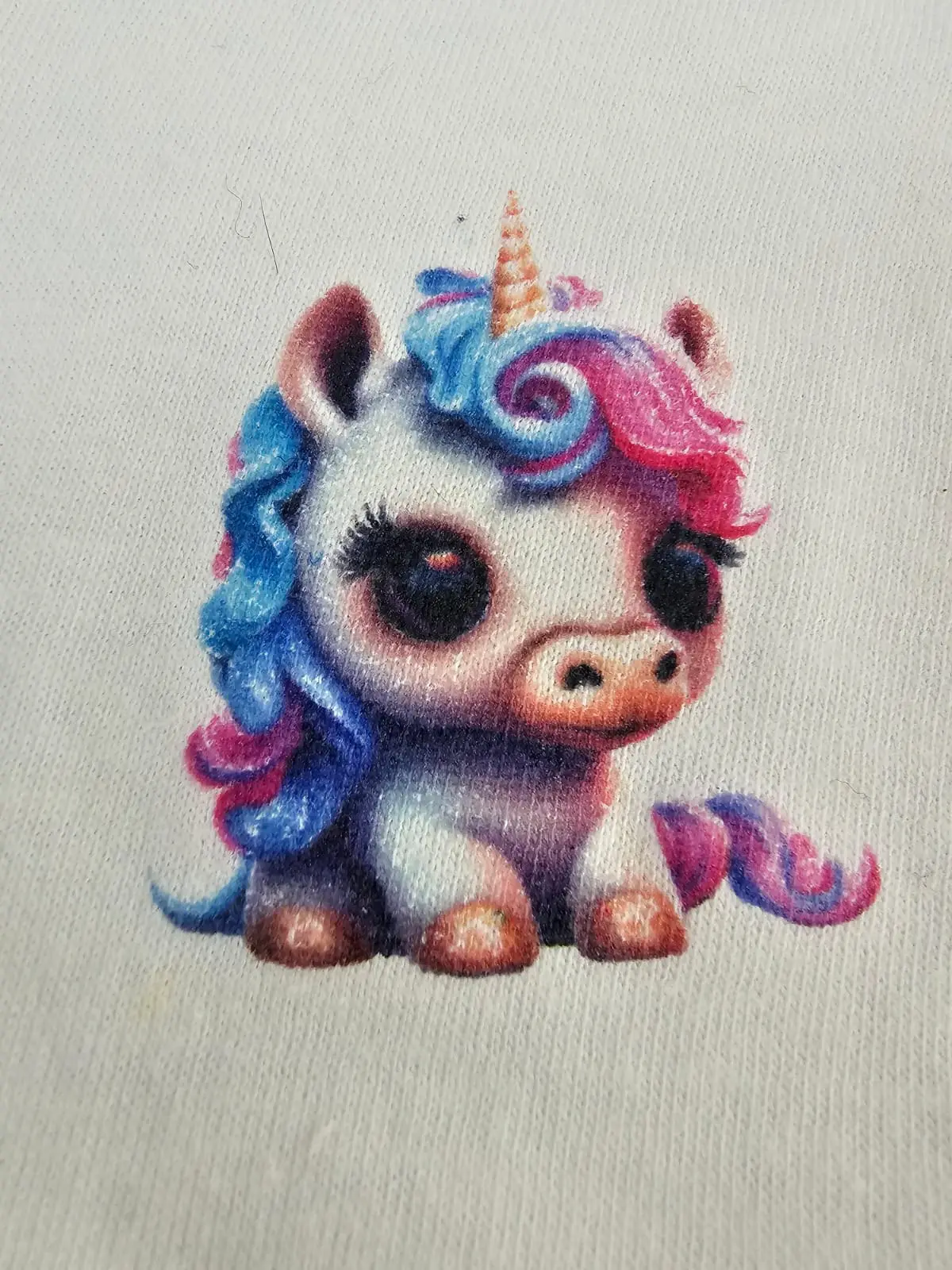


If this is your first attempt, you’ll need to experiment to see what works and what doesn’t. Sublimation ink dries very quickly. The powder needs the ink to still be wet in order to bond properly. For a first run, we recommend doing a small test print so you can fine‑tune the process and understand exactly what works and what doesn’t.
Step-by-Step Guide for Printing on DTF Film:
- Prepare Your Design: Mirror your design before printing.
- Printer Settings:
- Set paper type to “PAPER”.
- Choose “MATTE PRESENTATION” and ensure “HIGH SPEED” is turned OFF.
- Print: Once printing is complete, immediately sprinkle powder onto the wet side.
- Remove Excess Powder: Shake the film gently to remove any excess powder.
- Heat Press:
- Place the film under a heat press at as indicated below under curing under the heat press OR oven method.
- Transfer to Garment:
- Press the garment with the powdered side down at 196°C for 10 seconds, using silicone paper as a cover.
- Allow it to cool completely and then peel (cold peel).
- Final Step:
- Place the t-shirt back onto the press with print facing you, cover with a blank white cotton tshirt (over the print), then cover this with silicone paper (you might need to adjust your pressure), the press for another 10 to 15sec. This makes the print less plastic and shinny and very soft.
- Pre-press the garment again for 10 seconds with silicone paper covering it.
Important Note: These steps are a quide. If the method doesn’t yield the desired results, you might try alternative techniques.
CURRING UNDER HEAT PRESS
When curing DTF powder under a heat press, the typical range is around 160–177°C (320–350°F) for 2–3 minutes, but the press should hover above the film rather than clamp down directly.
This allows the powder to melt and bond without flattening or scorching the print.
Detailed Guidance
- Temperature:
- Most sources recommend 320–350°F (160–177°C) for curing powder with a press.
- Some powders specify slightly lower ranges, around 130–150°C (266–300°F), so always check your powder manufacturer’s instructions.
- Time:
- 2–3 minutes is common when hovering the press over the film.
- At the one‑minute mark, check for the “orange peel” texture — this indicates the powder has melted correctly. If you still see powdery residue, continue curing.
- Technique:
- Do not press directly onto the film during curing. Instead, hover the top platen just above the transfer, sometimes using a pressing pillow to elevate the film.
- Cover with parchment or Teflon sheet to protect the design.
- The goal is to melt the powder into a rubbery, glossy layer without flattening the ink.
- Final Transfer Stage (different from curing):
- Once cured, pressing onto fabric is much shorter — usually 10–15 seconds at 160–170°C with medium pressure, followed by a second post‑press for durability.
Oven Curing Details
- Temperature Range:
- Most guides recommend 120–150°C (250–300°F) for standard curing ovens.
- Some powders melt at lower ranges (85–110°C), while PU powders often need 100–110°C.
- Dedicated DTF ovens provide more stable heat than household ovens, which can fluctuate by ±10–20°C.
- Time:
- 2–3 minutes is common for convection or curing ovens.
- For hot plate or tube ovens, curing may extend to 3–5 minutes depending on airflow and heat distribution.
- Technique:
- Preheat the oven before placing the film inside.
- Lay films flat on a tray or wire rack — avoid stacking to ensure even curing.
- Watch for the powder to melt into a smooth, rubbery finish. If it still looks powdery, extend curing slightly.
- Equipment Notes:
- Dedicated DTF ovens are designed for consistent airflow and infrared heating, giving more reliable results.
- Household ovens can work for DIY, but results may be inconsistent due to uneven heating.
- Always cure in a well‑ventilated space because adhesive fumes are released during the process.
Key Troubleshooting Tips
- Ink Wetness: Sublimation ink dries fast, so timing is critical. Apply the powder while the print is still tacky, not fully dry.
- Powder Coverage: If you don’t see that “rubbery” cured look, it usually means too little powder was applied. Make sure the layer is even and not patchy.
- Curing Temperature & Time: Double‑check your curing settings. Under‑curing leaves the surface looking flat and powdery instead of glossy and rubber‑like.
- Test Prints: Always start with a small sample print before committing to a full run. This helps you dial in the right balance of ink wetness, powder amount, and curing time.
- Environment: Humidity and airflow can affect drying speed. If the ink is drying too quickly, you may need to adjust your workflow or environment slightly.
Suggested First‑Time Workflow
- Print a small design.
- Immediately apply powder while the ink is still damp.
- Shake off excess powder to avoid clumps.
- Cure at the recommended temperature/time for under the press
- Inspect the finish — you should see a rubbery, slightly glossy cured surface.
Sublimation Powder Curing Cheat Sheet
1. Print Stage
- Use sublimation ink on transfer paper.
- Move quickly, sublimation ink dries fast.
- Goal: Keep the print slightly tacky, not fully dry.
2. Powder Application
- Sprinkle adhesive powder evenly across the print.
- Shake off excess powder to avoid clumps.
- Goal: A thin, uniform layer covering all inked areas.
3. Curing Stage
- Place the powdered print under your curing unit or heat press.
- Typical settings: 160–170°C for 2–3 minutes (check your powder specs).
- Watch for transformation: powder melts into a rubbery, glossy surface.
4. Inspection
- Look for an even rubbery finish, no powdery patches.
- Avoid dull or chalky spots.
- Goal: Fully cured, flexible surface ready for transfer.
5. Test Transfer
- Do a small test press onto fabric or blank.
- Check adhesion and color vibrancy.
- Goal: Strong bond, vivid colors, no peeling.