
Sublimation Printing Instructions
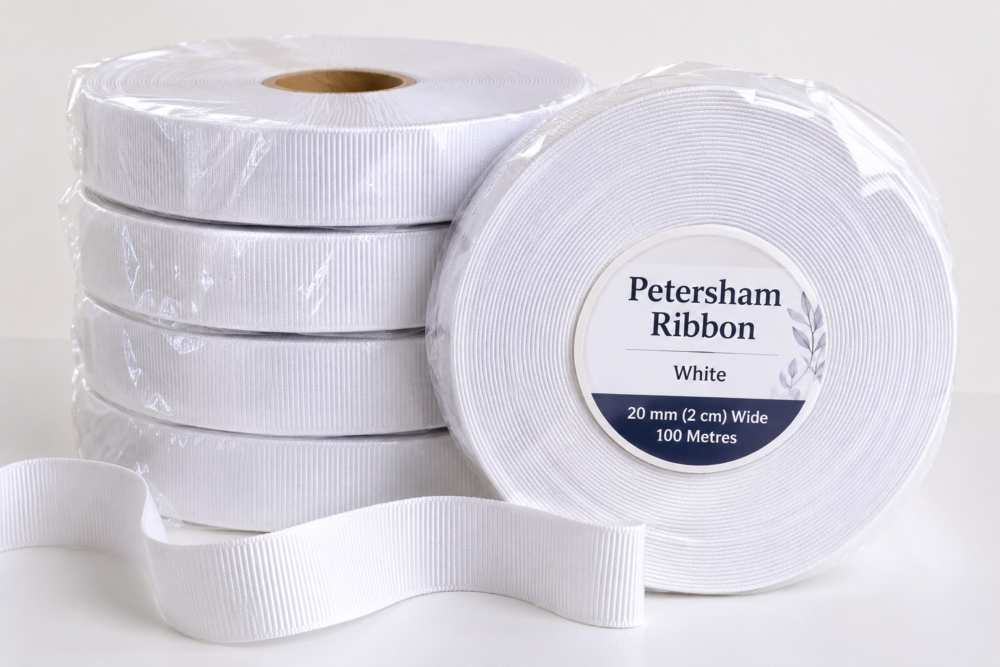
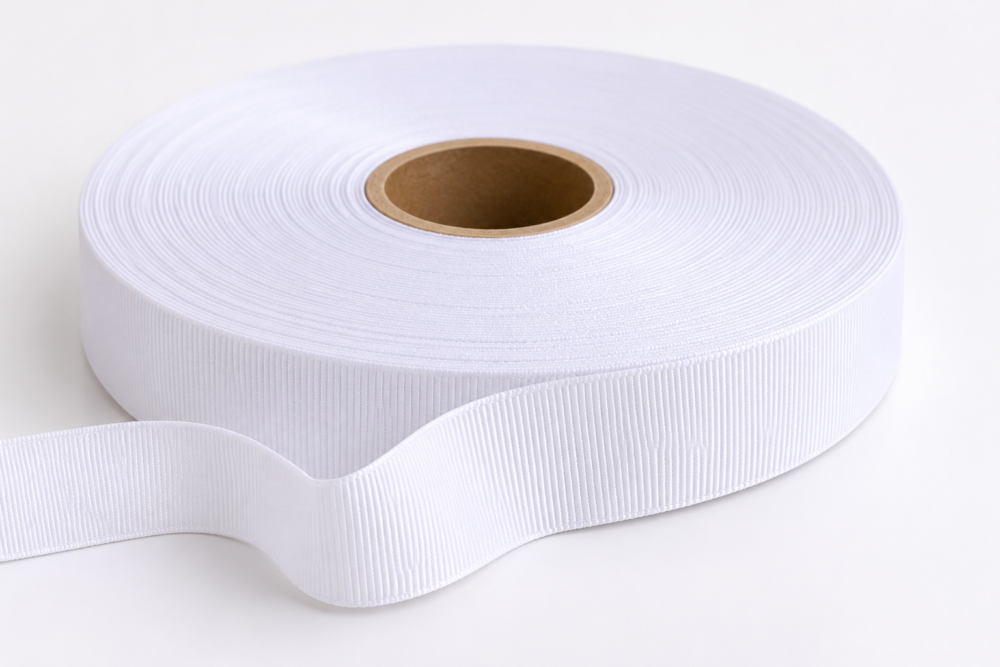
Our white ribbon can be used for sublimation printing, provided the ribbon is made from sublimation-compatible polyester.
Recommended Sublimation Settings
- Temperature: 180°C
- Pressing Time: 80 seconds
- Pressure: Medium
- Printing Method: Sublimation Heat Transfer
How to Sublimate
- Prepare your design and print it in mirror image using sublimation ink and sublimation paper.
- Preheat your heat press to 180°C.
- Place a sheet of silicone release paper on the bottom platen to protect your heat press.
- Position the ribbon on the silicone paper, ensuring it lies completely flat.
- Place your printed sublimation design face down onto the ribbon.
- Secure the design with heat-resistant tape if necessary to prevent movement.
- Cover with another sheet of silicone release paper to protect the upper platen.
- Press at 180°C for 80 seconds using medium pressure.
- Carefully remove the sublimation paper after pressing and allow the ribbon to cool.
Important Sublimation Notes
- Always perform a test print before proceeding with bulk production.
- Sublimation works best on white or light-coloured polyester materials.
- Ensure your ribbon is suitable for sublimation before printing.
- Use clean silicone release paper to protect your heat press from excess ink transfer.
- Results may vary depending on your heat press, pressure, ribbon composition and sublimation ink.
- Excessive heat or pressure may damage, flatten or alter the texture and finish of the ribbon.
- 180°C for 80 seconds is a recommended starting point and should be tested before full production.