
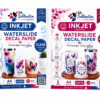
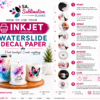



How to Use Inkjet Waterslide Decal Paper
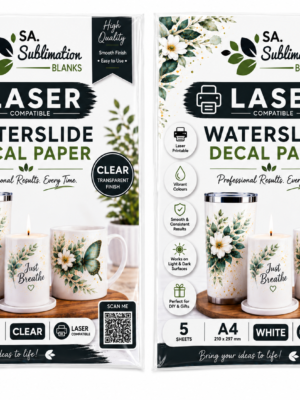
Creating your own custom decals is easy with Inkjet Waterslide Decal Paper. Follow these simple steps for the best results.
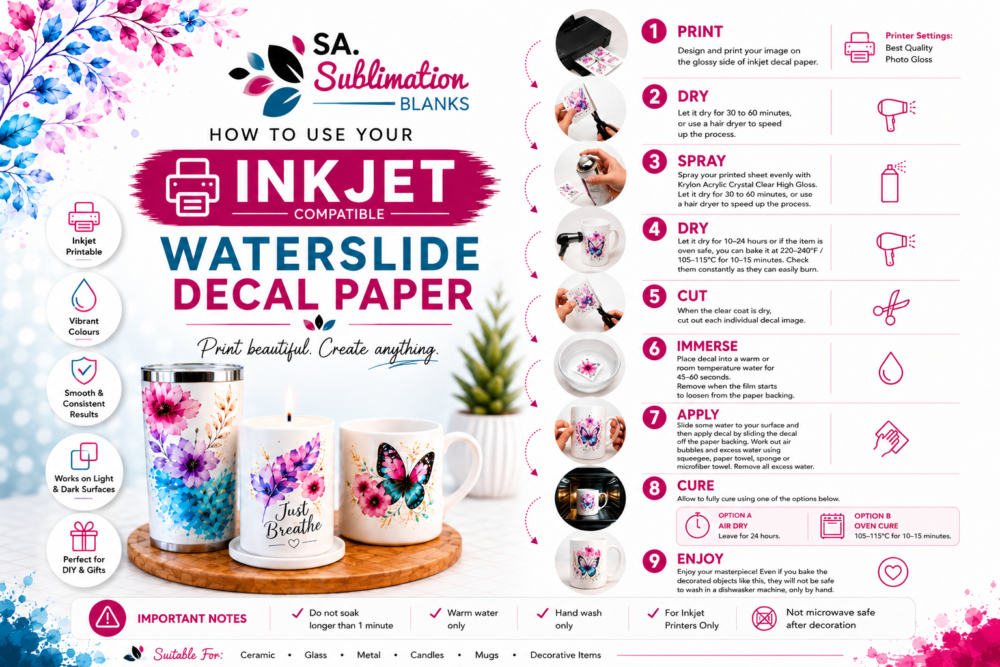
1. Print
Design and print your image onto the glossy side of the Inkjet Waterslide Decal Paper.
Recommended Printer Settings:
- Best Quality
- Photo Gloss
2. Dry
Allow the print to dry for 30–60 minutes, or use a hair dryer to speed up the process.
3. Spray
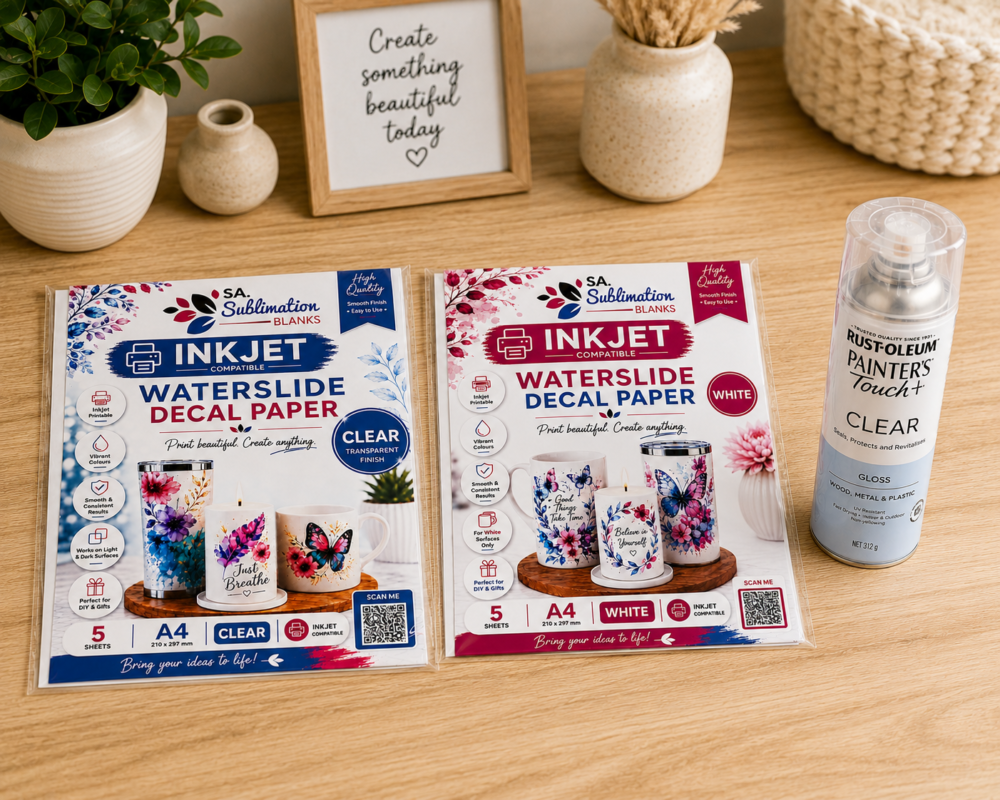
Spray the printed sheet evenly with Krylon Acrylic Crystal Clear High Gloss or Rust-Oleum Crystal Clear until the sheet has an even glossy finish.
4. Dry
Allow the sealed sheet to dry for 30–60 minutes, or use a hair dryer to speed up the process.
5. Cut
Carefully cut out each individual design, leaving a small border around the artwork if desired.
6. Immerse
Place the decal into warm water only for approximately 45–60 seconds.
Remove the decal when the film begins to loosen from the paper backing.
Important: Do not soak for longer than 1 minute.
7. Apply
Lightly wet your application surface with water.
Slide the decal from the paper backing onto the surface and position as required. Remove excess water and air bubbles using a:
- Squeegee
- Paper towel
- Soft sponge
- Microfibre cloth
8. Cure
Allow the decal to fully cure using one of the following methods:
Option A – Air Dry
Leave the decorated item to air dry for 24 hours.
Option B – Oven Cure
For oven-safe items, bake at 105–115°C for 10–15 minutes.
Monitor the item closely during baking to prevent overheating.
9. Enjoy
Your project is now ready to use and display.
Important Notes
✔ Do not soak longer than 1 minute
✔ Warm water only
✔ Hand wash only
✔ For Inkjet Printers Only
✔ Not microwave safe after decoration
✔ Not dishwasher safe
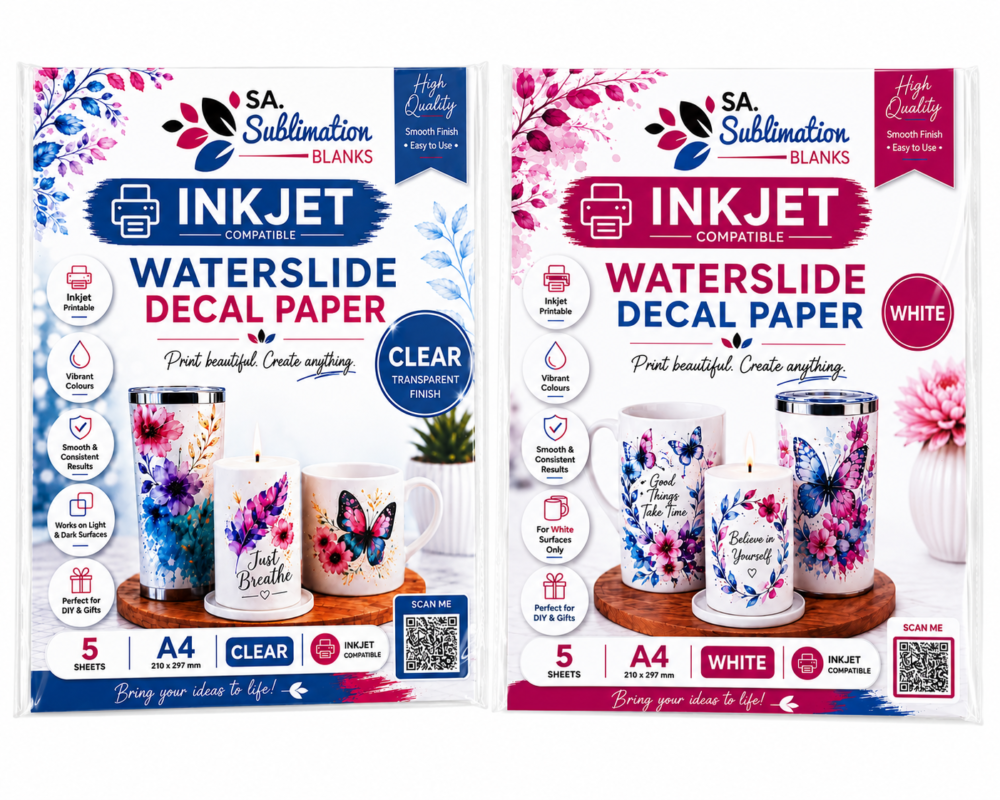
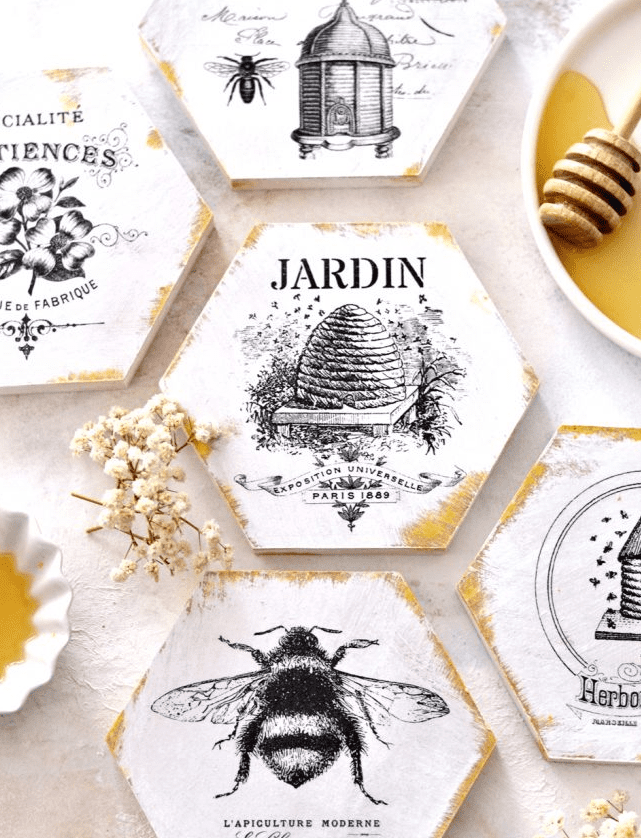
Perfect for creating personalised gifts, custom drinkware, home décor, candles, wedding items, model projects, and unique craft creations.
Print beautiful. Create anything.