
DOWNLOAD PDF format on how to use Multi-Opaque
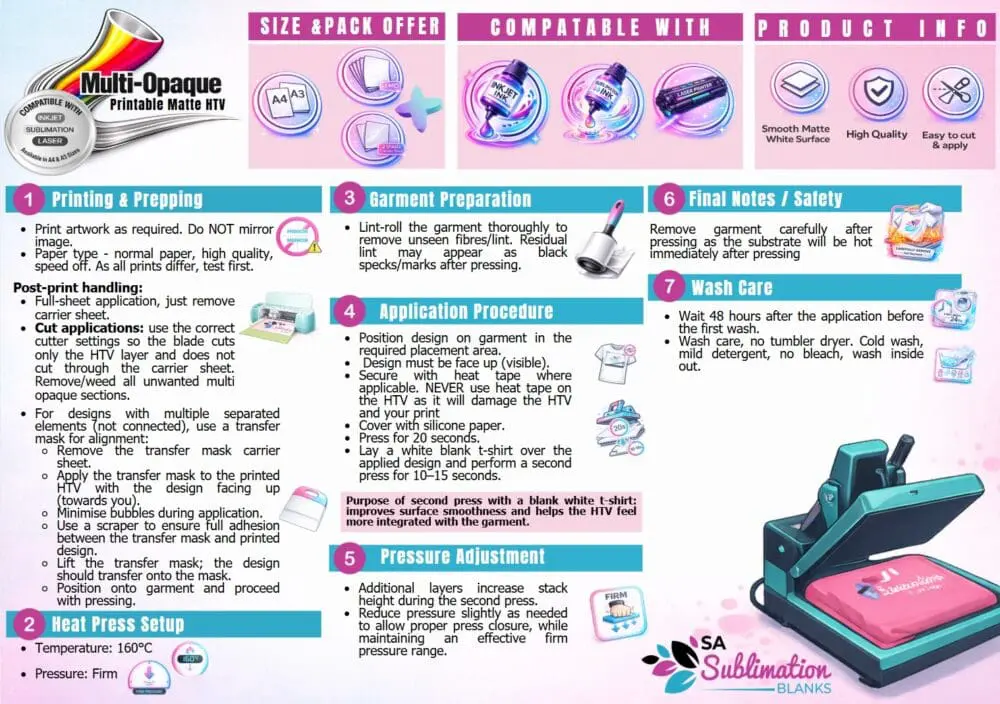
Printing & Prepping
- Print your artwork as normal (do not mirror).
- Paper type – normal paper, high quality, speed off. As all prints differ, test first.
- For full‑sheet applications, simply remove the carrier sheet.
- For cut designs, use correct cutter settings so the blade cuts only the vinyl layer.
- Weed away unwanted areas.
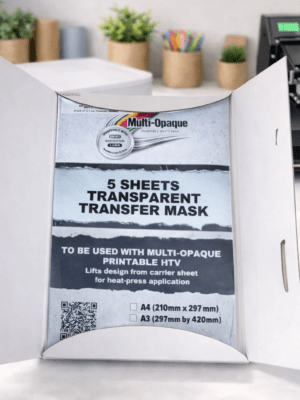
- For designs with separate elements, apply a transfer mask for perfect alignment:
- Remove the mask’s carrier sheet
- Apply mask to the printed vinyl
- Smooth out bubbles
- Use a scraper for full adhesion
- Lift the mask — the design should transfer cleanly
Heat Press Settings
- Temperature: 160°C
- Pressure: Firm
- Press Time: 20 seconds
- Cover with a white blank T‑shirt and press again for 10–15 seconds to improve surface feel and integration.
Garment Preparation
- Lint‑roll thoroughly to remove fibres.
- Any lint left behind may appear as dark specks after pressing.
Pressure Adjustment
- Additional layers (mask + T‑shirt) increase stack height.
- Reduce pressure slightly if needed while still maintaining a firm press.
Final Notes & Safety
- Remove the garment carefully — it will be hot immediately after pressing.
Wash Care
- Wait 48 hours before the first wash.
- Cold wash, mild detergent, no bleach.
- Wash inside out.
- Do not tumble dry.
-