
Suggested Heat Press Settings
- Temperature: 190°C – 200°C
- Time: 50–60 seconds
- Pressure: Medium
- Printing Method: Sublimation
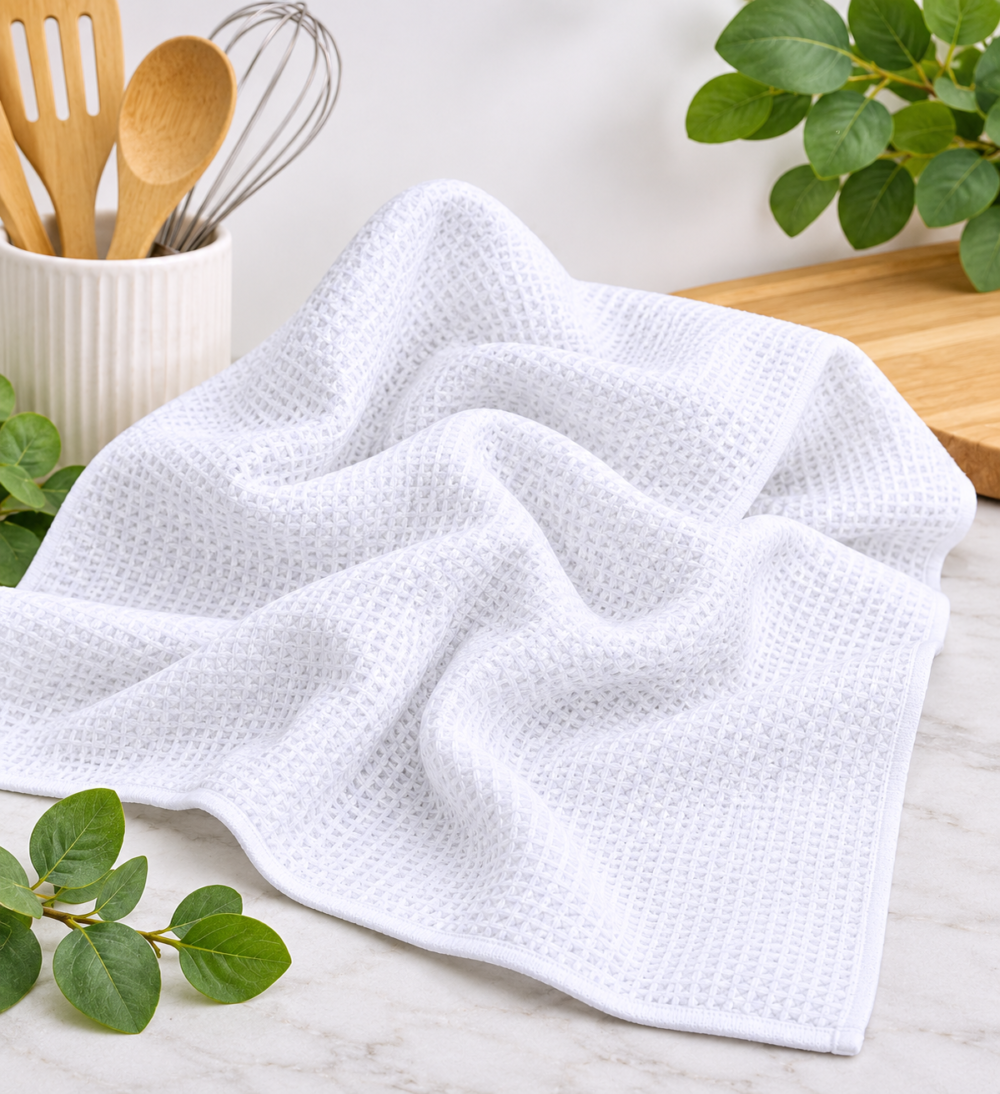
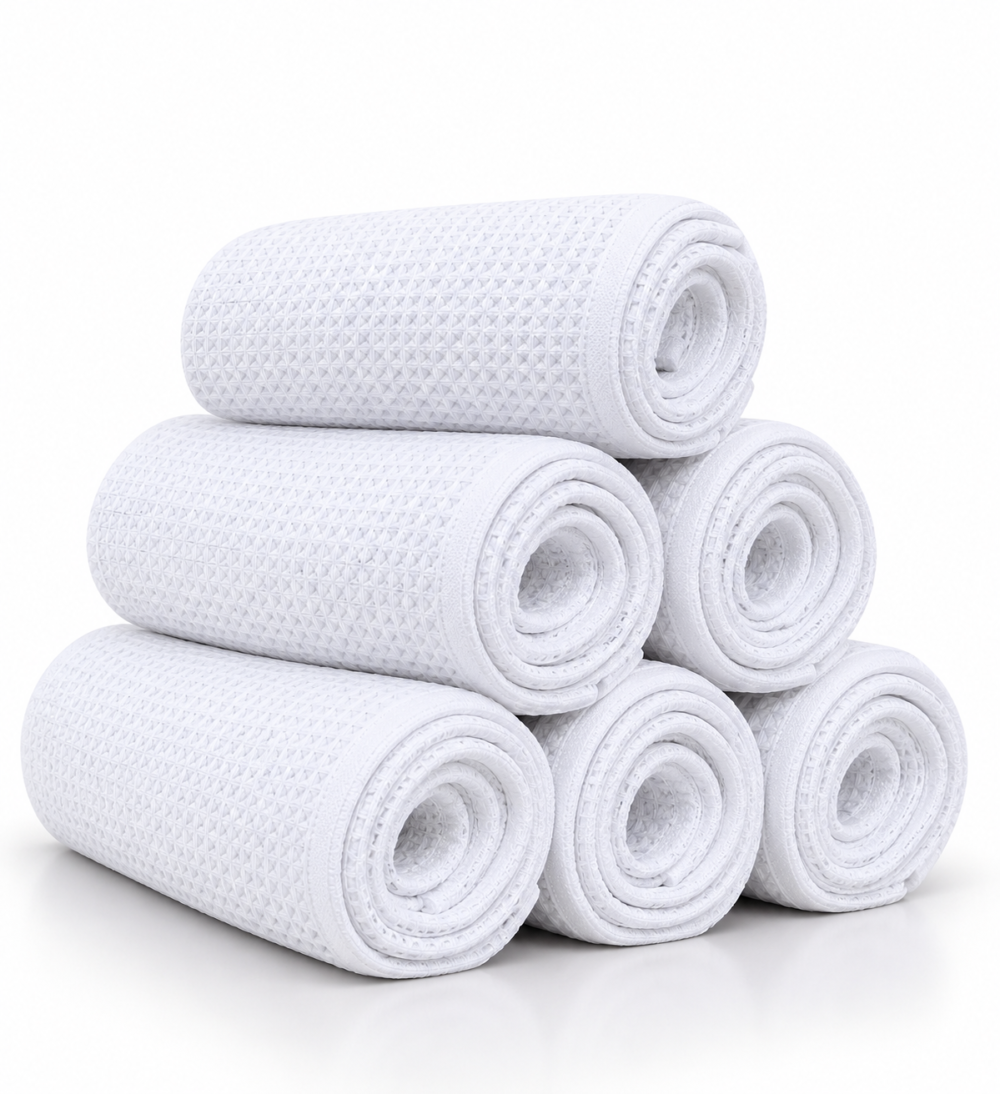
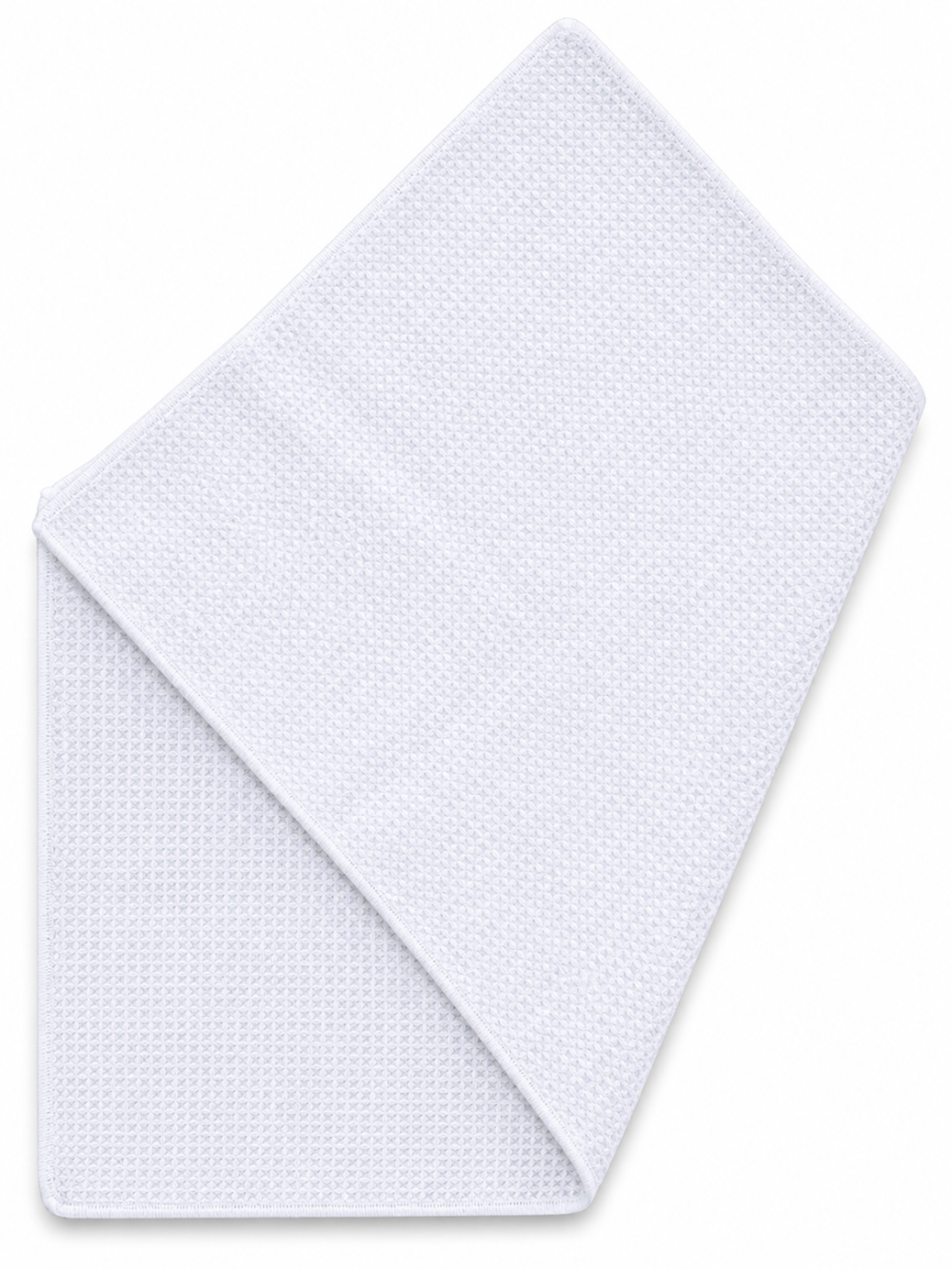
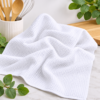
- Material: Polyester Waffle Fabric
These are recommended starting settings. Heat presses may vary, so we recommend testing a small area before pressing larger quantities.
Tips for Best Results
- Pre-Press the Dish Cloth – Pre-press for approximately 5–10 seconds to remove excess moisture and wrinkles before sublimation.
- Lint Roll Before Pressing – Use a lint roller to remove any dust, fluff or loose fibres that could affect the final print.
- Use High-Quality Sublimation Paper & Ink – For vibrant colours and clear designs, always use suitable sublimation paper and ink.
- Secure Your Design – Position your printed design carefully and secure it with heat-resistant tape to prevent movement during pressing.
- Protect Your Heat Press – Place protective paper underneath and on top of the dish cloth to prevent unwanted ink transfer onto your heat press.
- Apply Even Pressure – Due to the waffle-weave texture, ensure the heat press applies consistent pressure across the entire design.
- Avoid Moving the Paper – Carefully lift the heat press and remove the transfer paper without shifting it to help prevent ghosting or blurry prints.
- Allow to Cool – Let the dish cloth cool completely before folding, packaging or handling excessively.
- Wash with Care – Wash using a mild detergent and avoid bleach or harsh chemicals to help preserve the printed design.
- Test Before Bulk Printing – Always perform a test press to determine the best temperature, time and pressure for your equipment.
Important: Due to the textured waffle-weave fabric, sublimation results may differ slightly from those achieved on smooth polyester materials. Fine details and very small text may not appear as sharply as they would on a flat surface.