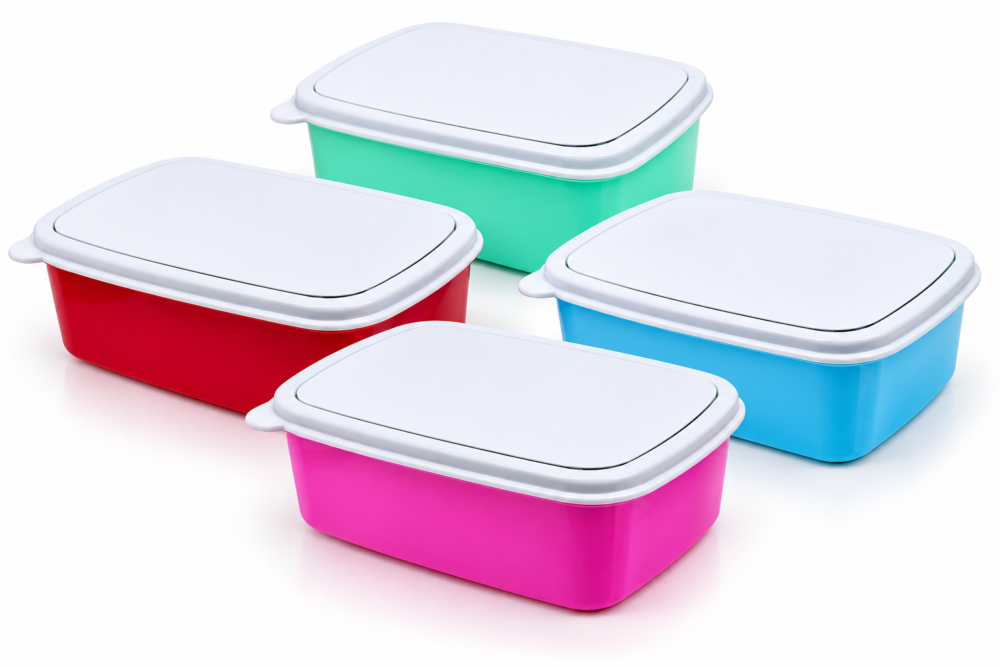
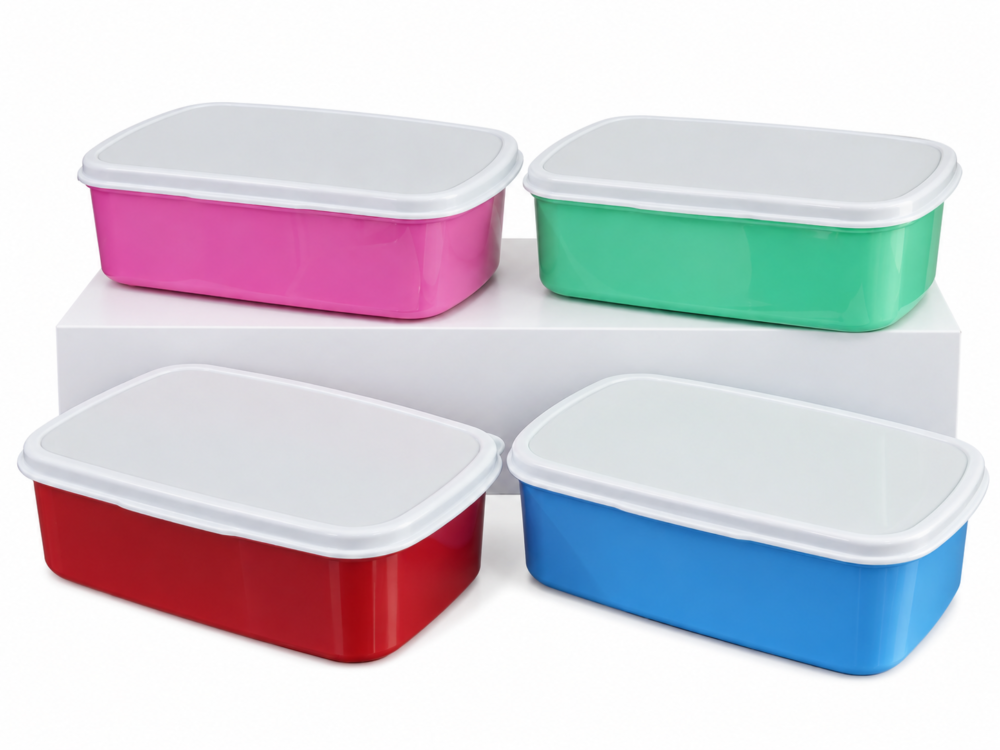
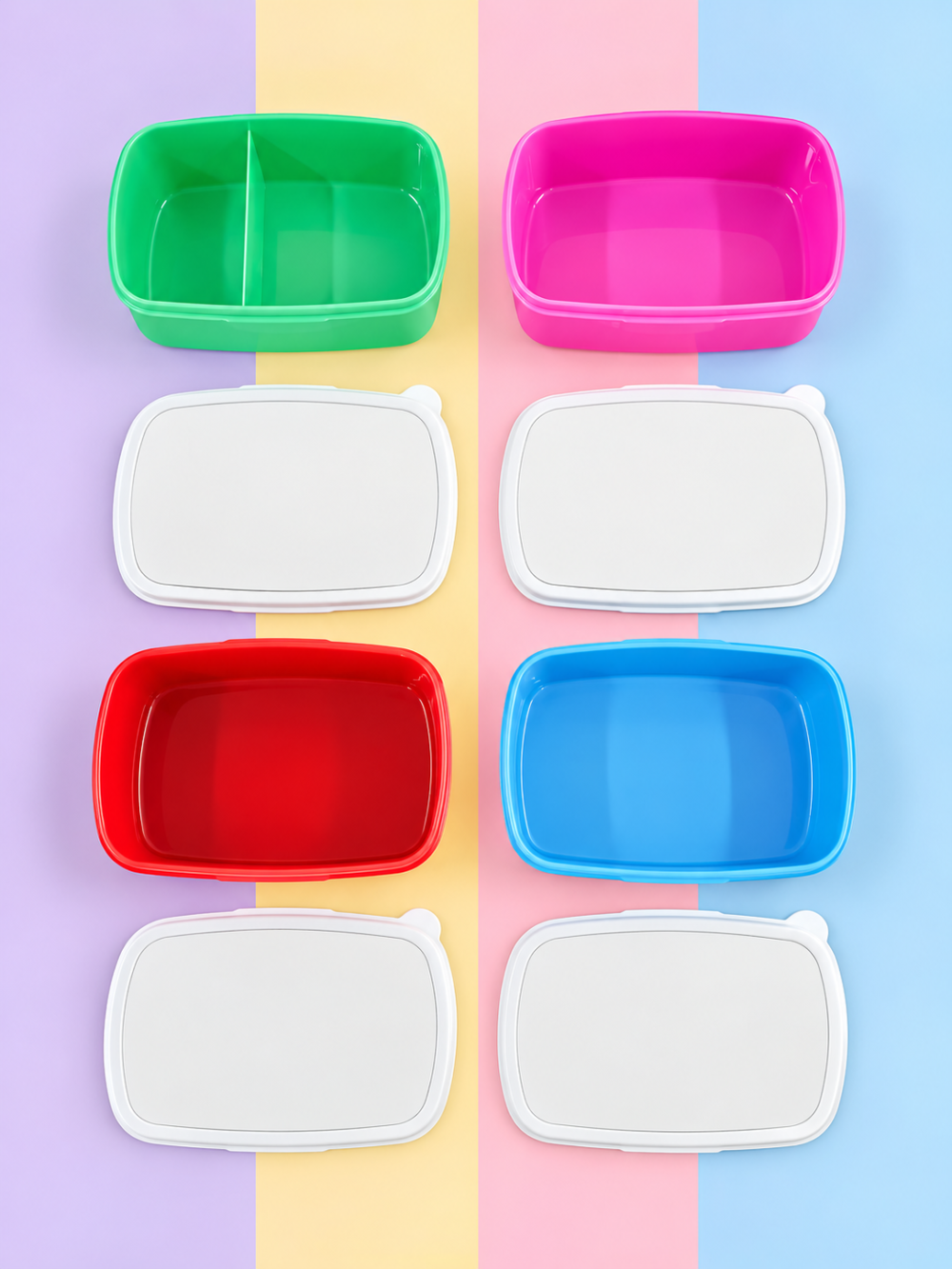
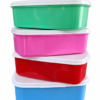
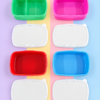
Rectangular Sublimation Lunch Box – Available in Red, Pink, Green and Blue.
Make lunchtime more colourful and personal with our sublimation lunch boxes. These practical and fun lunch boxes are perfect for creating customised designs for school, work, personalised gifts, promotional products or resale. Each lunch box is made from plastic and features a removable aluminium sublimation insert on the lid. The aluminium insert provides a smooth surface for creating bright, crisp and vibrant personalised designs.
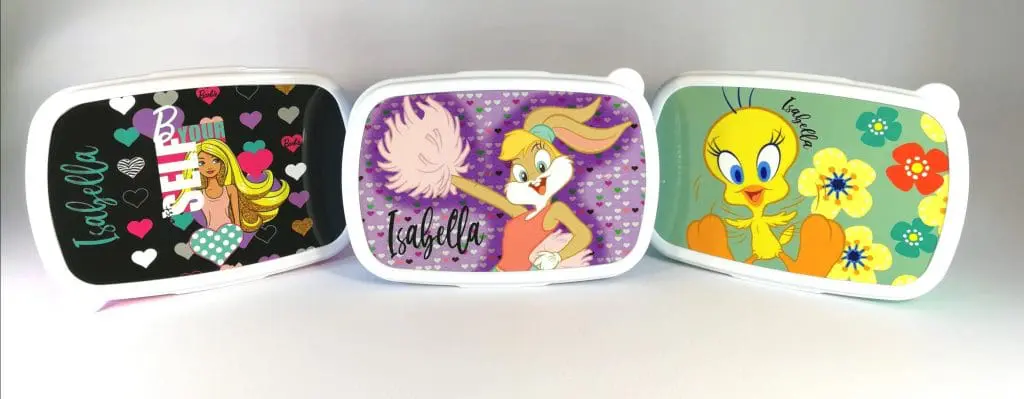
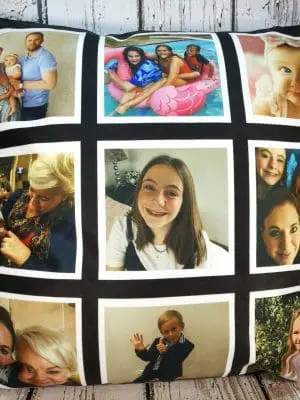
Personalise them with names, photographs, characters, school designs, logos, patterns or your own creative artwork.
Why You’ll Love It
- Made for sublimation with a removable aluminium insert.
- Generous approximate printable area of 165 × 100 mm.
- Perfect for names, photographs, characters, logos, patterns and colourful artwork.
- Great for school, work, outings and everyday lunches.
- Available in a selection of fun colours.
- Lightweight and easy to carry in school bags, backpacks and work bags.
- A lovely option for birthdays, back-to-school gifts and personalised presents.
- Great for small businesses wanting to add personalised lunch boxes to their product range.
- Spare lids and aluminium sublimation inserts are available separately, subject to stock availability.
Product Information
Approximate lunch box size: 18.5 × 13 × 6 cm
Approximate print area: 165 × 100 mm
Approximate weight: 0.16 kg
Pack quantity: 1
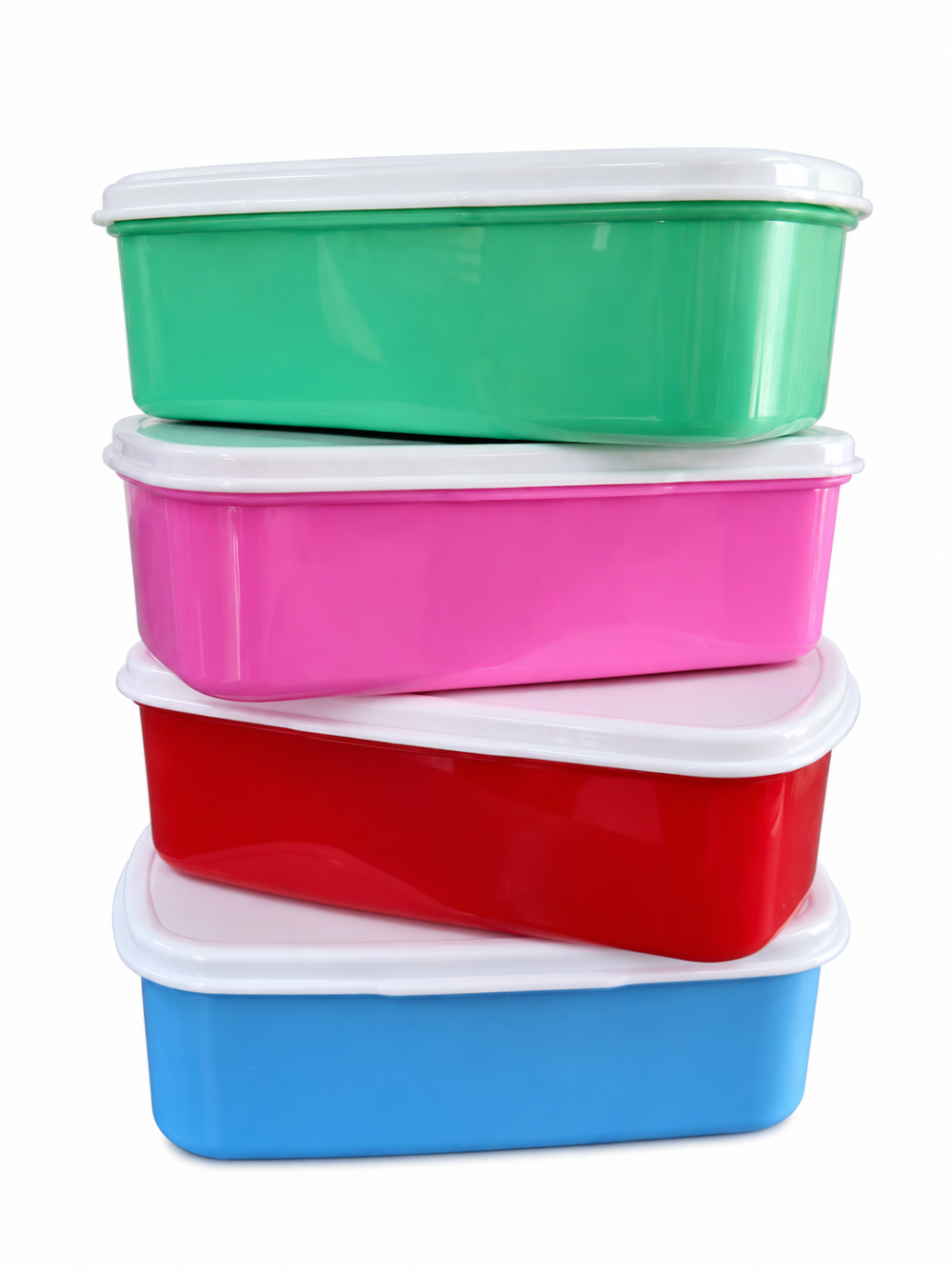
Colours: Red, Pink, Green and Blue
Printable surface: Removable aluminium sublimation insert
Made a Mistake While Sublimating?
Mistakes can happen! If you accidentally press the aluminium insert incorrectly, you don’t need to purchase an entirely new lunch box. We sell spare aluminium sublimation inserts separately, subject to stock availability. This allows you to replace an incorrectly pressed insert and try again without having to replace the complete lunch box.
Lost a Lid?
If you or your customer loses a lunch box lid, we also sell spare replacement lids separately, subject to stock availability. This means you may be able to replace the missing lid without having to purchase an entirely new lunch box.
Please Note – Dividers May Vary
Due to stock being sourced from different suppliers, the internal configuration of the lunch boxes may vary. Some lunch boxes may be supplied with an internal divider, while others may be supplied without one. Unfortunately, we cannot guarantee whether a divider will be included with your order. Stock, design and minor product details may also vary slightly between suppliers and batches.
Spare Lids & Inserts
Spare lids and aluminium sublimation inserts are sold separately and are subject to stock availability. As our lunch boxes may be sourced from different suppliers, compatibility can vary between batches. We recommend confirming compatibility before purchasing replacement lids or inserts.
Product Images & Colour Disclaimer
- Product images are provided for illustrative purposes. Actual product colours may appear slightly different due to photography, lighting conditions and individual monitor, phone or screen settings.
- Some of our product images may be digitally enhanced or AI-generated to provide a clean and clear representation of the product. AI-generated images are intended as a visual guide only and may contain slight differences in colour, proportions, finish or minor product details compared with the physical item received.
Heat Pressing Instructions
Recommended Settings
Temperature: 200°C
Time: 40 seconds
Pressure: Medium to heavy pressure
Heat Pressing Instructions
- Remove the aluminium sublimation insert from the lunch box.
- Remove the protective film from the printable side of the aluminium insert before pressing.
- Preheat your heat press to 200°C and set the timer to 40 seconds.
- Lint roll the aluminium insert to remove any dust, fibres or debris that could affect the finished print.
- Place your printed sublimation design onto the aluminium insert and carefully align it. Secure the design with heat-resistant tape if necessary to prevent movement.
- Place silicone paper over the aluminium insert and design before pressing. This helps protect your heat press from any excess sublimation ink.
- Press at 200°C for 40 seconds using medium to heavy pressure.
- Once pressing is complete, carefully remove the aluminium insert from the heat press. Wear heat-resistant gloves, as the aluminium will be extremely hot.
- Carefully remove the sublimation paper from the aluminium insert and allow the insert to cool completely.
- Once cooled, remove the protective backing from the 3M adhesive on the lunch box lid.
- Carefully align your sublimated aluminium insert with the recessed area on the lid.
- Once you are happy with the positioning, firmly press the aluminium insert into place to secure it to the lid.
Important
The aluminium insert becomes extremely hot during pressing. Always use suitable heat-resistant gloves when handling it directly after pressing.
Heat presses can vary in temperature and pressure. The recommended settings are a guideline, and we recommend testing and adjusting where necessary for your specific heat press, sublimation ink and paper.