
Printable HTV : Multi-Opaque Matte White Printable HTV for Inkjet, Sublimation & Laser Printers (A4 & A3)

Price range: R262.00 through R498.69 (incl. VAT)

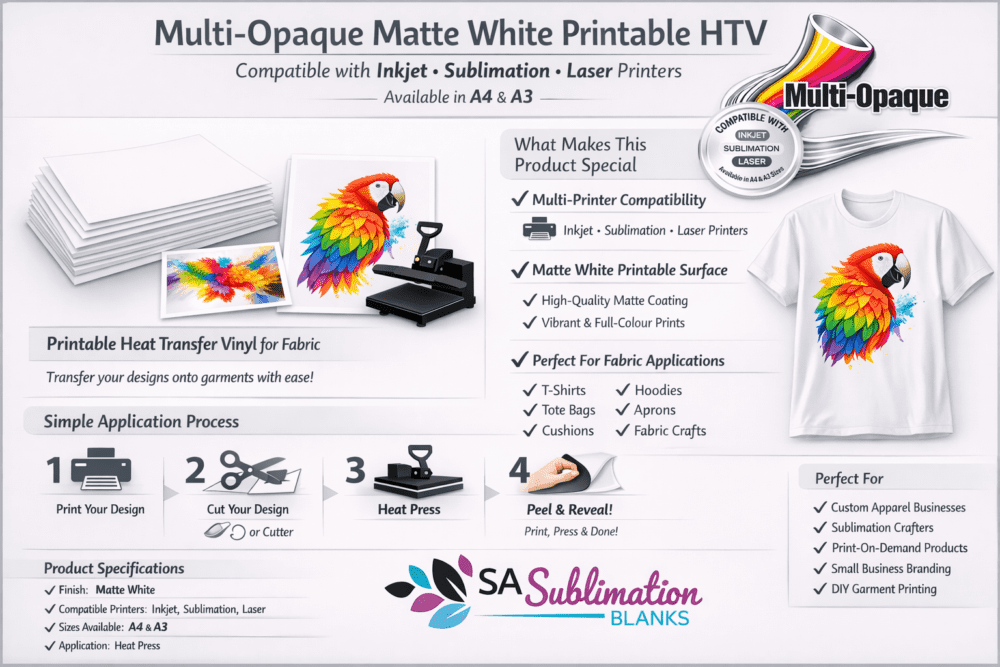
Multi‑Opaque Printable Matte HTV, for Inkjet, Sublimation & Laser Printers.

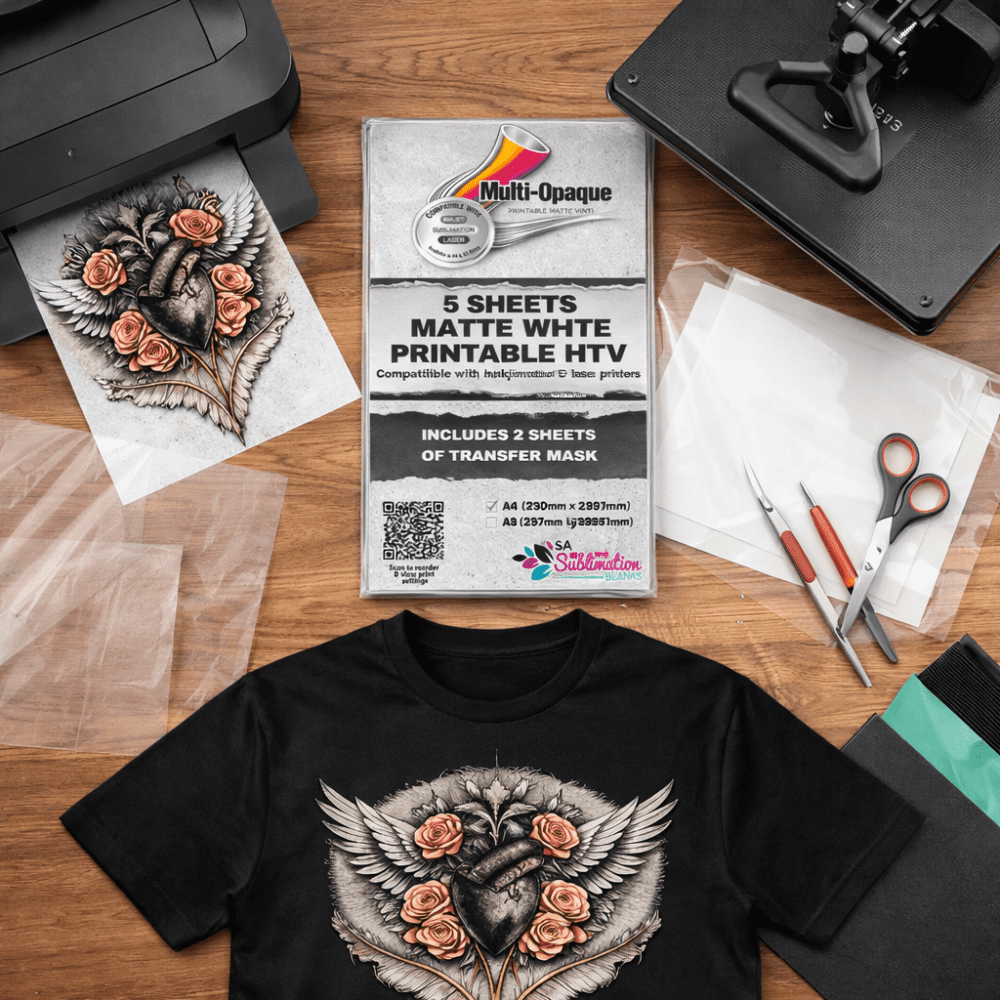
Our Multi‑Opaque Printable Matte HTV is a versatile, high‑quality printable film designed for crisp, vibrant results across Inkjet, Sublimation, and Laser printers. The matte white surface delivers clean colour, sharp detail, and a professional finish for apparel, branding, crafts, and small‑batch production.

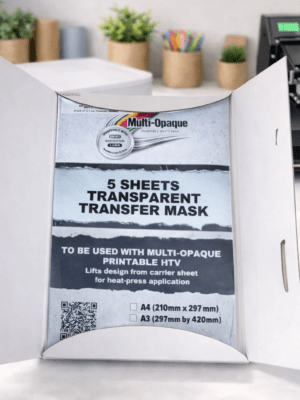
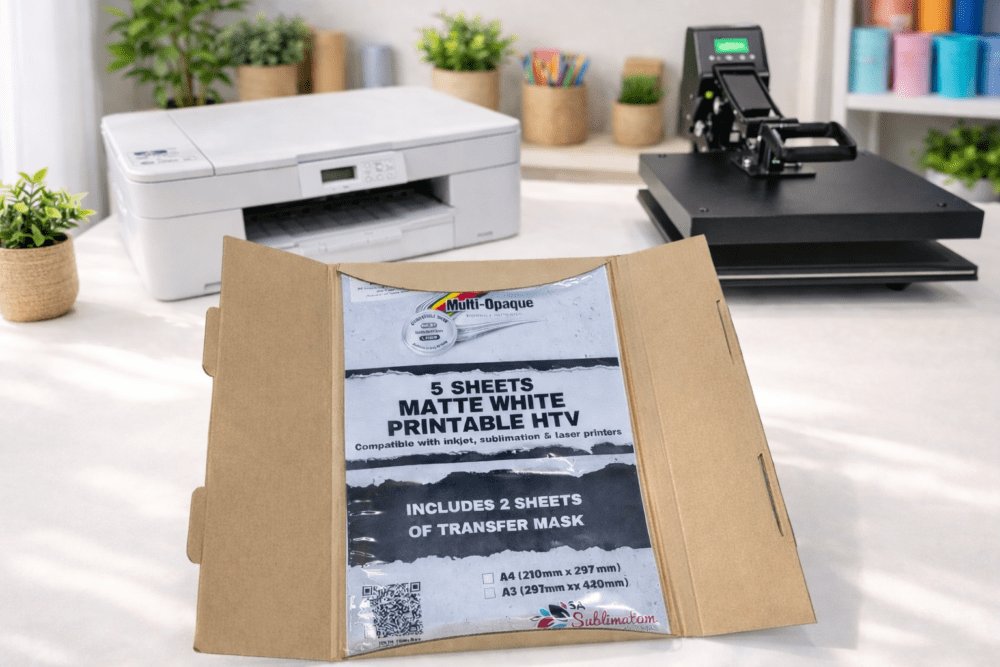
Available in packs of 5 for both A4 and A3. Each pack includes 2 transfer masks for the matching size. Additional transfer masks are also available in packs of 5 if you need extras.

Key Features

  • Compatible with Inkjet, Sublimation & Laser printers
  • Matte white printable surface for bold, high‑definition prints
  • Easy to cut using craft cutting machine, weed, and apply
  • Suitable for full‑sheet prints or precision‑cut designs
  • Works beautifully with transfer mask for multi‑piece layouts
  • Ideal for T‑shirts, hoodies, fabric items, branding, and custom gifts

Why you Love it

  • It gives them production freedom. It removes the need to outsource DTF, screen printing, or full‑colour transfers, which is a huge advantage when you’re running a small studio, working from home, or taking on custom orders.
  • Full‑colour printing without special equipment – You don’t need a DTF printer, eco‑solvent printer, or screen‑printing setup. Whatever printer you already have, Multi‑Opaque works with it.

Note

  • Price per pack of 5 + 2 transfer masks

DOWNLOAD PDF format on how to use Multi-Opaque

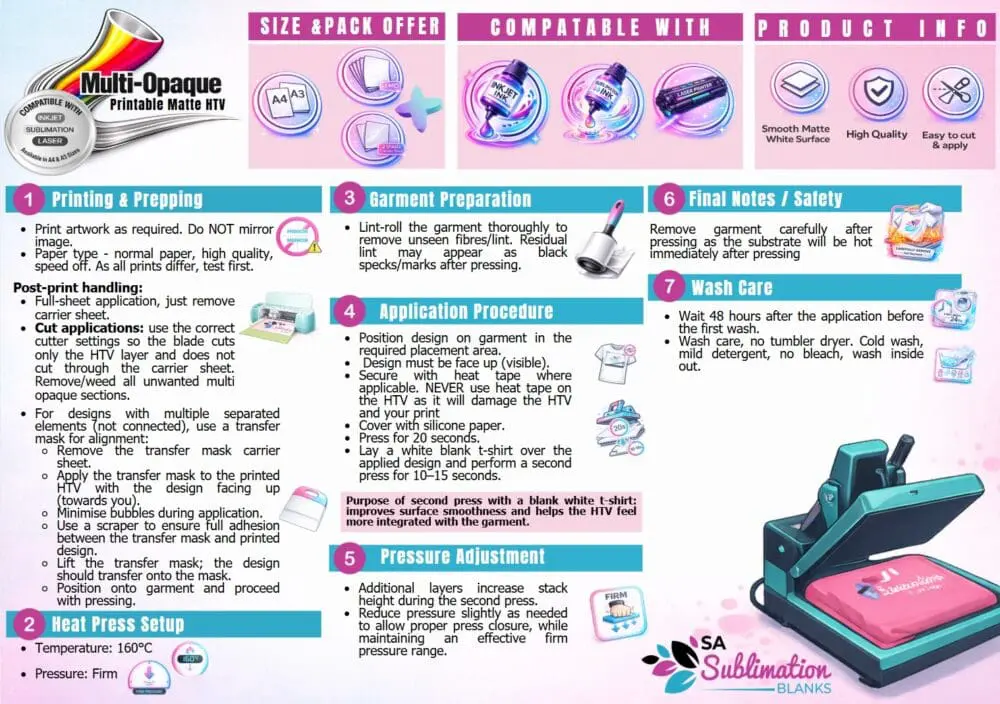
Printing & Prepping

  • Print your artwork as normal (do not mirror).
  • Paper type – normal paper, high quality, speed off. As all prints differ, test first.
  • For full‑sheet applications, simply remove the carrier sheet.
  • For cut designs, use correct cutter settings so the blade cuts only the vinyl layer.
  • Weed away unwanted areas.
  • For designs with separate elements, apply a transfer mask for perfect alignment:
    • Remove the mask’s carrier sheet
    • Apply mask to the printed vinyl
    • Smooth out bubbles
    • Use a scraper for full adhesion
    • Lift the mask — the design should transfer cleanly

Heat Press Settings

  • Temperature: 160°C
  • Pressure: Firm
  • Press Time: 20 seconds
  • Cover with a white blank T‑shirt and press again for 10–15 seconds to improve surface feel and integration.

Garment Preparation

  • Lint‑roll thoroughly to remove fibres.
  • Any lint left behind may appear as dark specks after pressing.

Pressure Adjustment

  • Additional layers (mask + T‑shirt) increase stack height.
  • Reduce pressure slightly if needed while still maintaining a firm press.

Final Notes & Safety

  • Remove the garment carefully — it will be hot immediately after pressing.

Wash Care

  • Wait 48 hours before the first wash.
  • Cold wash, mild detergent, no bleach.
  • Wash inside out.
  • Do not tumble dry.
SIZE

A4, A3